HESA codes can be mapped on a Funding Year basis for the following reference data types:
- Countries (local)
- Ethnicity (local)
-
Support need types
To map a HESA value:
-
Select the relevant reference data type.
-
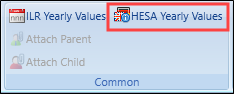
Select the HESA Yearly Values button on the Admin Commands ribbon.
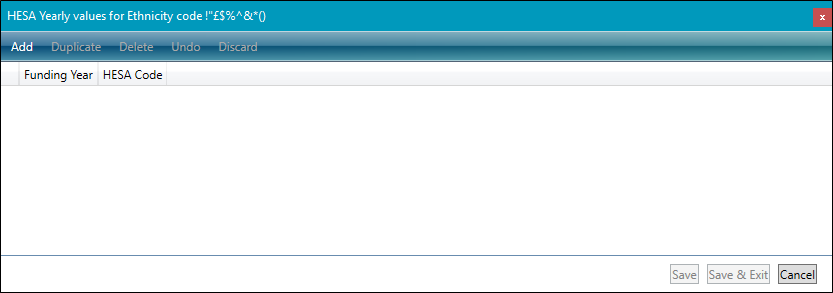
The HESA Yearly Values window is displayed.
-
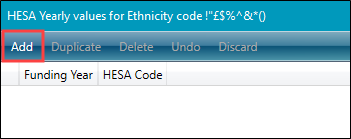
Select the Add button.
-
Select a Funding Year and a HESA Code value from the relevant drop-down list.
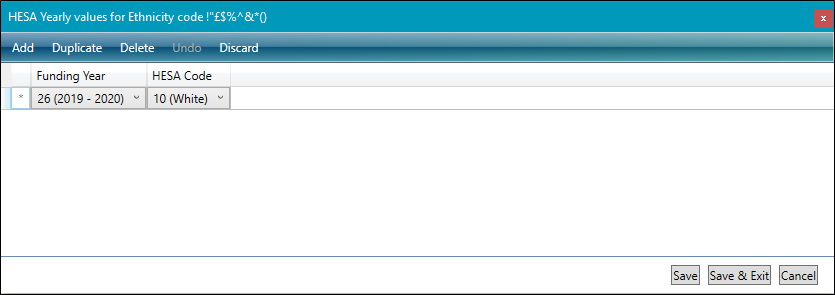
- Select Save .